.png?width=300&height=100&name=emma%20logo%20santa%20hat%20(4).png)
The Intrastat Module is an optional add-on module for Emma CMS that helps companies manage and prepare Intrastat reporting data efficiently.
The module allows users to create and maintain Intrastat transactions directly in Emma CMS and automatically prepares the required data for reporting through TastSelv Erhverv.
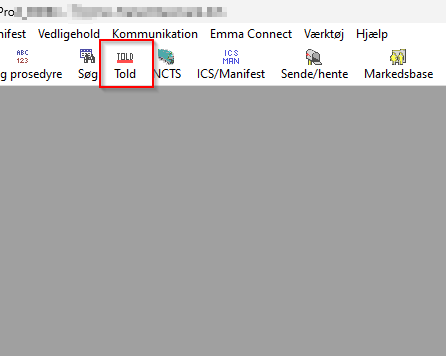
1. Open "Told” module in Emma CMS.
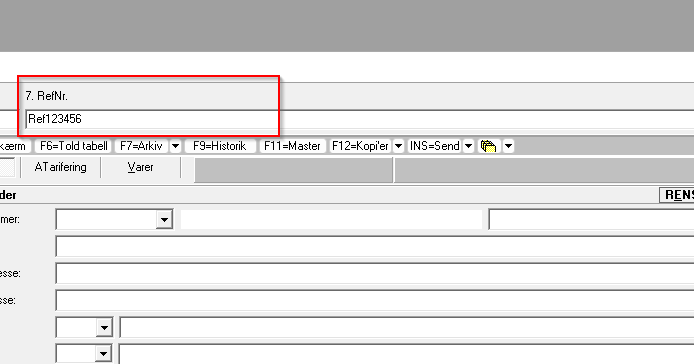
2. Start and enter a Reference Number.
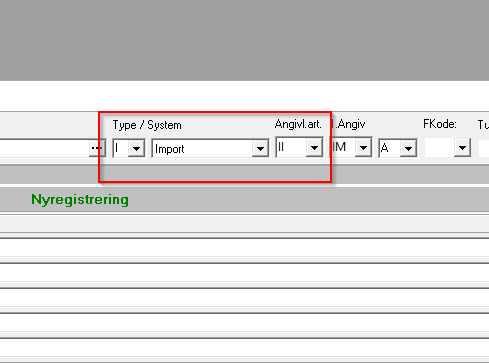
3.Select type and procedure
Fill in the following fields:
- Type: I
- System: Import
- Angivl.art.: II or IE
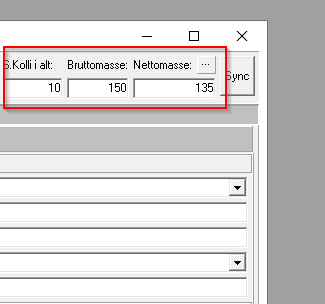
4. Enter shipment information
- Total number of collies
- Gross Weight
- Net Weight
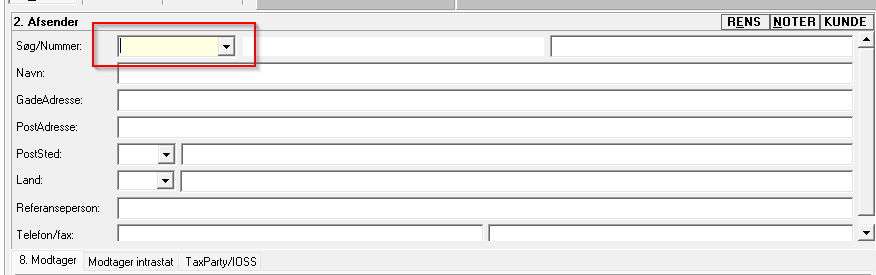
5. Select the sender
Type in name here and click on Enter when you have found the correct one
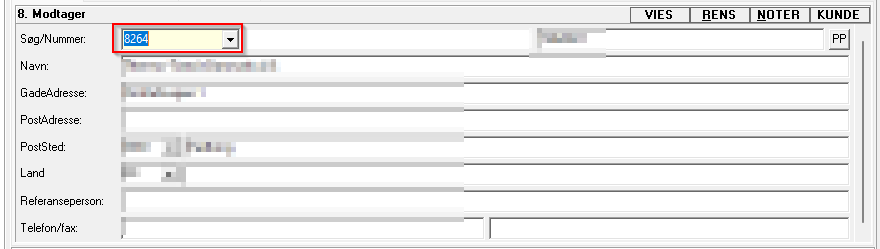
6. Select the receiver
The company owner of the Emma CMS solution will automatically appear as the receiver.
Press Enter to continue.
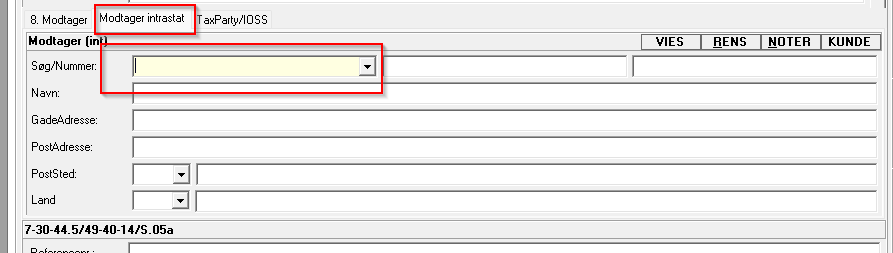
7.Select the Intrastat receiver
Choose the correct Intrastat receiver and press Enter.
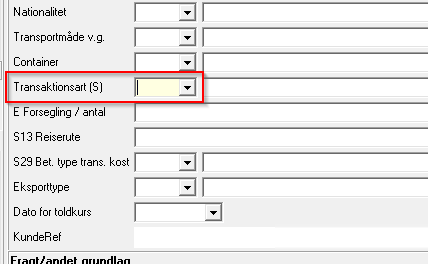
8. Add the transaction type
Enter the Transaction Type and press Enter.
9. Add invoice information
Enter the following invoice details:
- Invoice number
- Invoice amount
- Currency
Press Enter after each entry.
If there are no additional invoices for this transaction:
- Press Enter again
- You will now be taken to the Goodsitems tab in Emma CMS
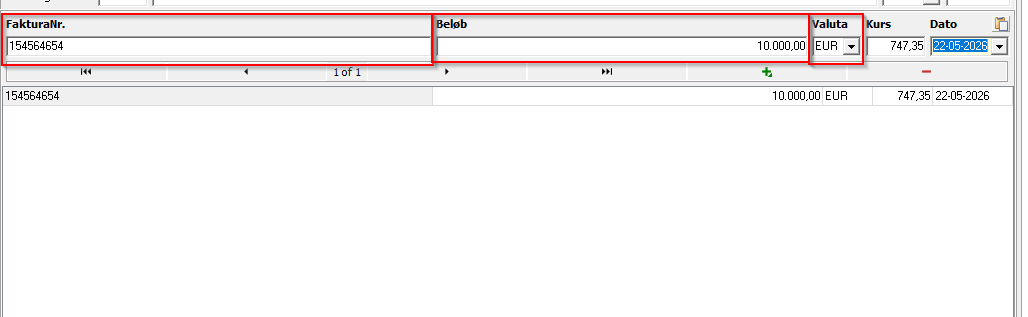
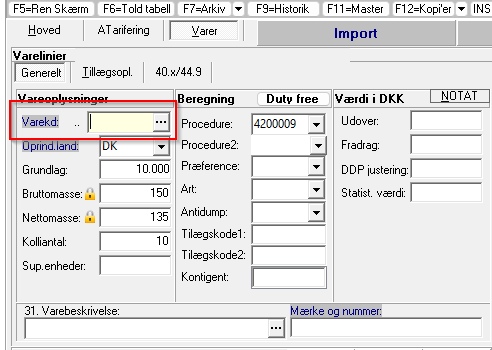
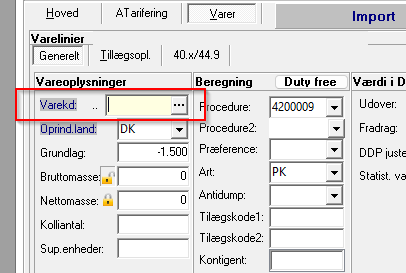
10. Search for HS code or article number
You can now search for an:
- HS code
- Article number
if the information has already been created in Emma CMS.
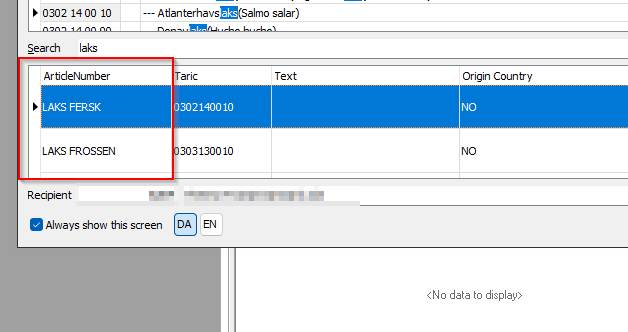
11. If the article already exists in Emma CMS, it will appear in the search results.
Example:
Searching for “Laks” will display matching items.
Select the item you want to use and press Enter.
12. Add item details
Enter the relevant item information.
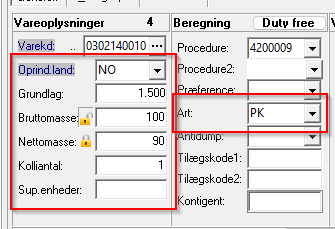
Continue pressing Enter to complete the registration steps. You will automatically return to the same field so additional goods items can be added
When all goods items have been added:
- Click Insert as usual
- No data will be sent directly to Danish Customs
- The status will automatically change to Status 9 in the Toldtabel
- The data will then be available in the Intrastat module in Emma CMS
- The information will automatically be included in the file for TastSelv Erhverv