.png?width=300&height=100&name=emma%20logo%20santa%20hat%20(4).png)
To declare Sea freight in Emma for Digitoll:
- Declare the goods as per TVINN guide
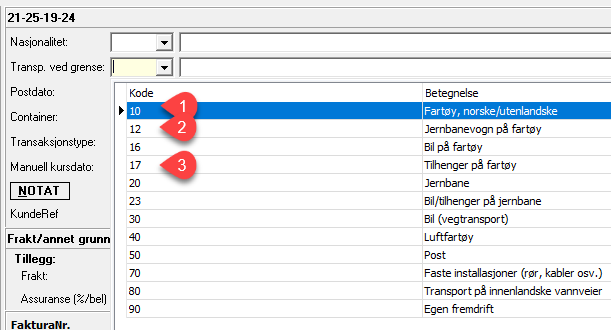
- Select one of the valid options (10, 12, or 17) for the mode of transport at the border.
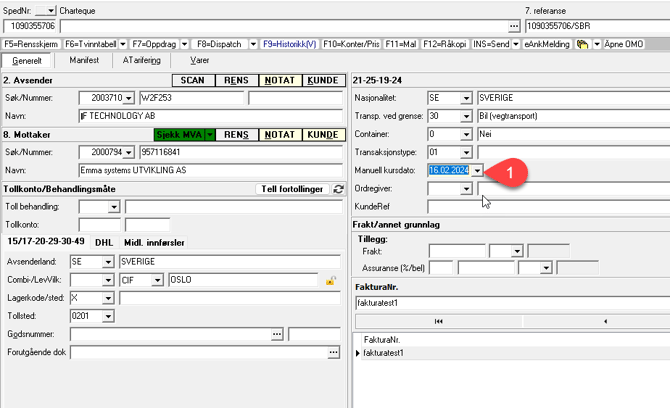
- Enter the vessel’s arrival date in **Manual kursdato**. This date can be up to 5 days in advance and would be the declaration date.
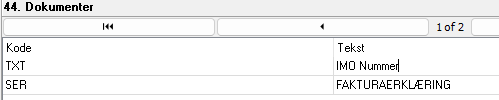
- In Digitoll for sea freight, it is requested to provide the IMO number or name of the vessel transporting the goods in field 44, using the code TXT.
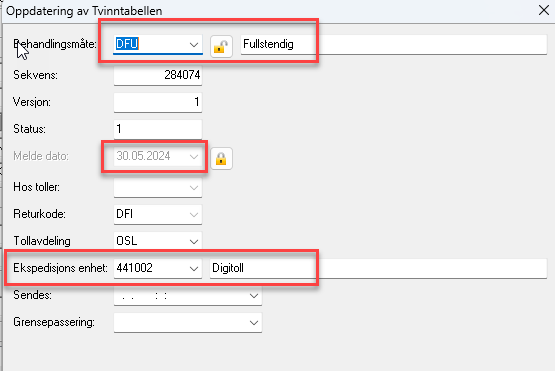
- Click Insert, open lock symbol and change declaration method. i.e DFU or DFO
- Select customs unit for digitoll 441002