.png?width=300&height=100&name=emma%20logo%20santa%20hat%20(4).png)
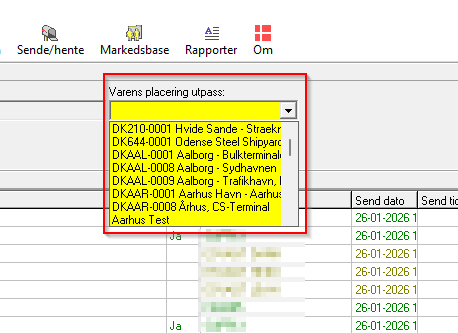
When you are sending IE507 message from Emma CMS, then you need to select goods location here
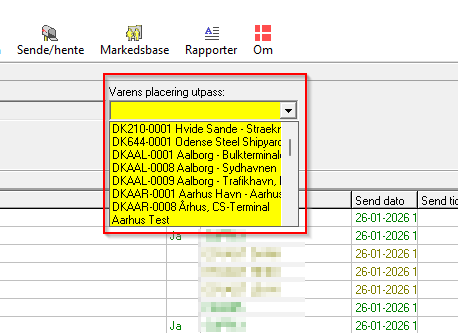
You can easy add more goods location if you are a Boss user in Emma CMS.
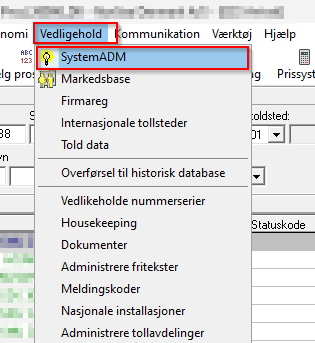
Go in here:
Then go to this tab
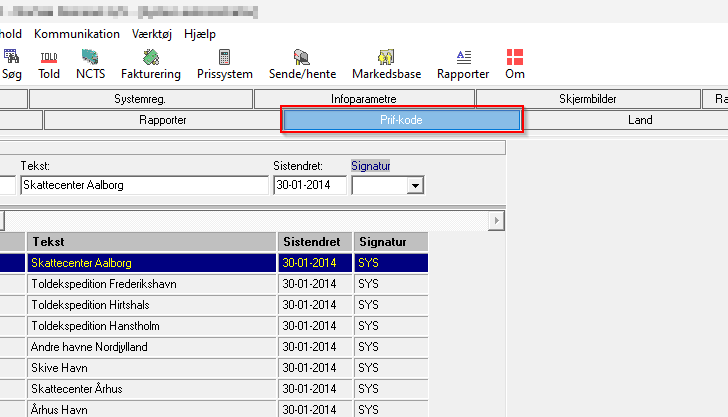
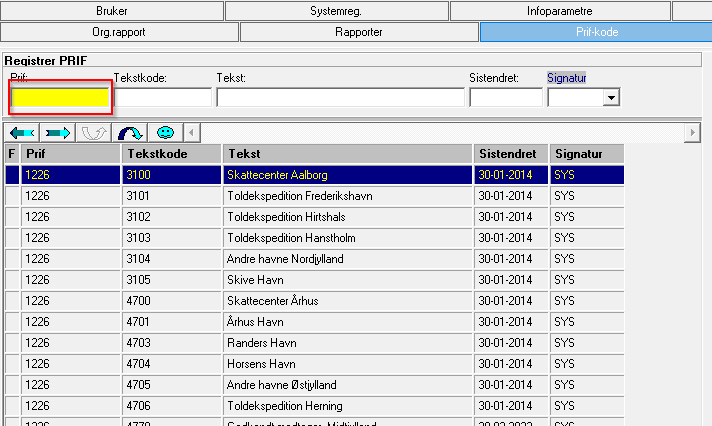
Click in this field and then press F5 on your keyboard
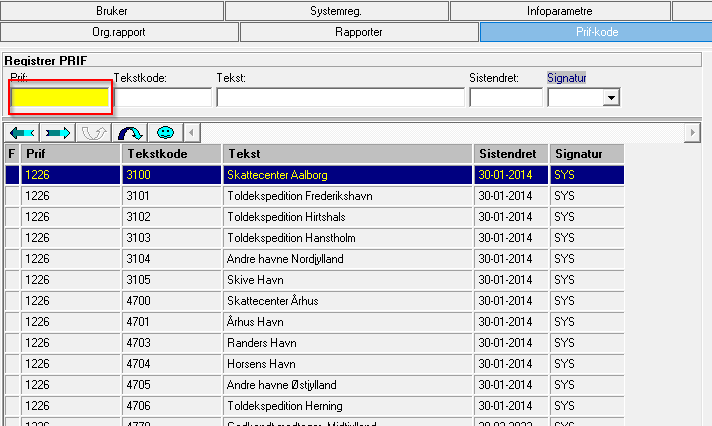
Then please start with add VAPL in this field
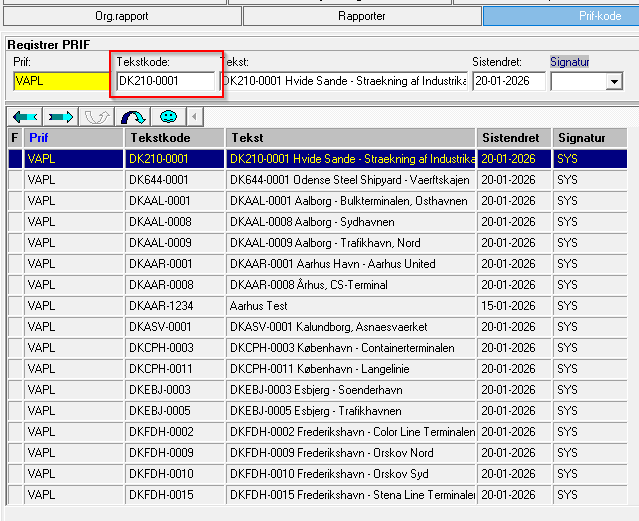
In tekstkode add the goods location id, example DK210-0001
Then add a text like this.
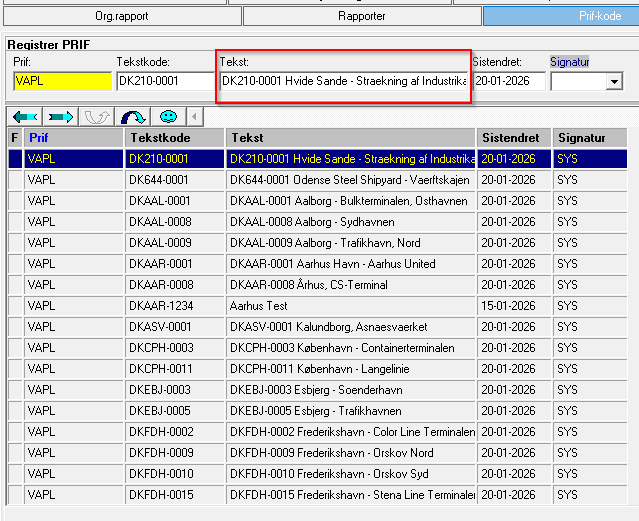
If you add the goods location id again like the example above. Then you will see it in IE507 like this