.png?width=300&height=100&name=emma%20logo%20santa%20hat%20(4).png)
In this guide you can see how you can easy add or remove enter stops in Emma CMS.
Make sure you have opened up "told"
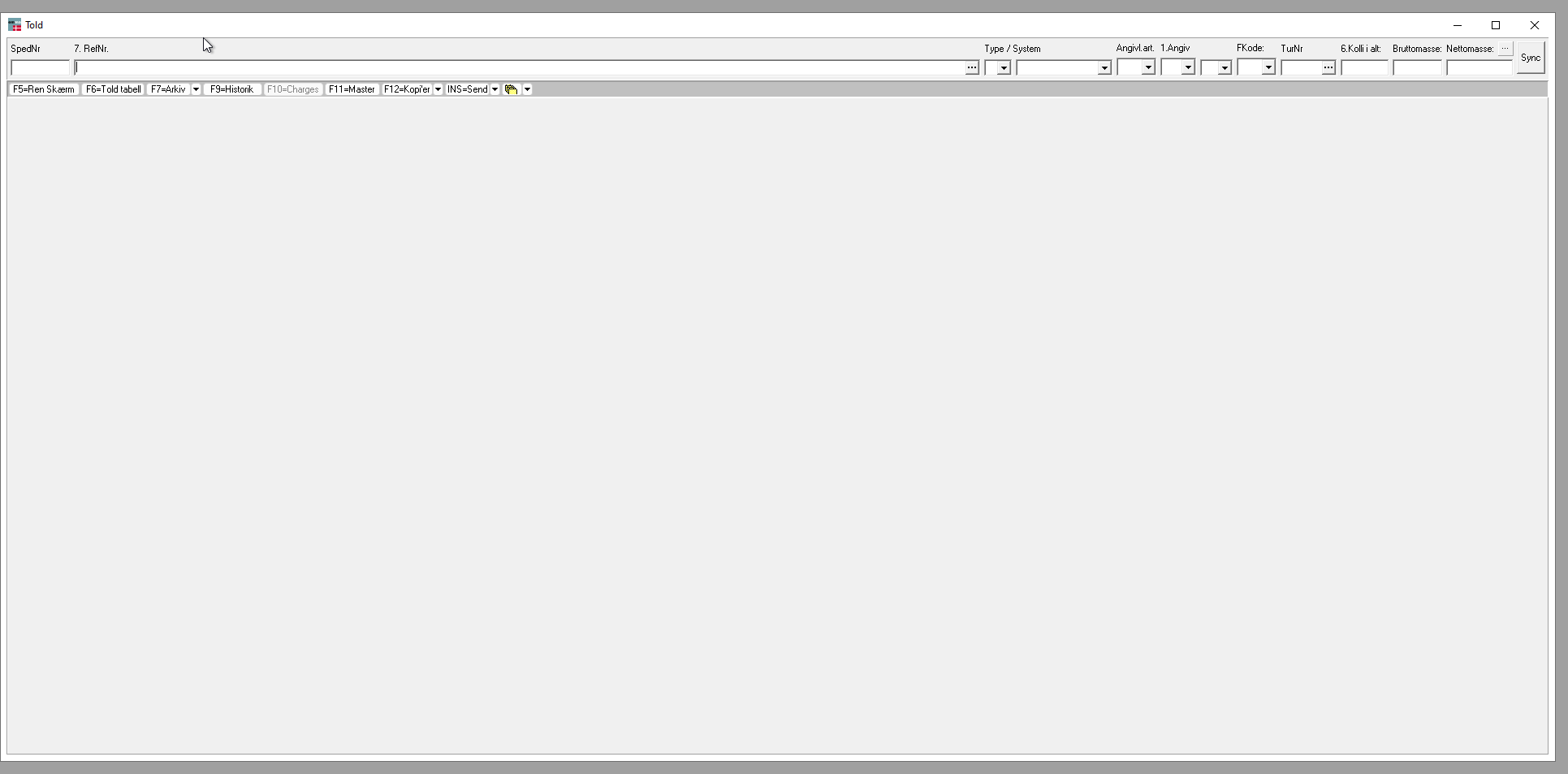
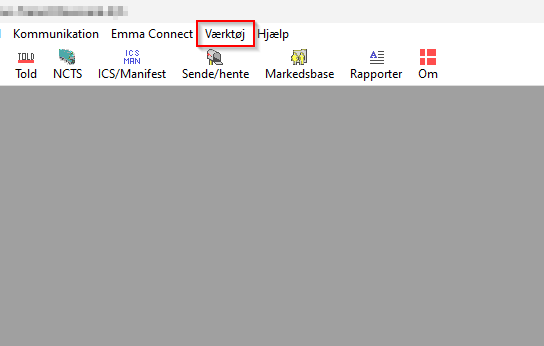
- Now go here
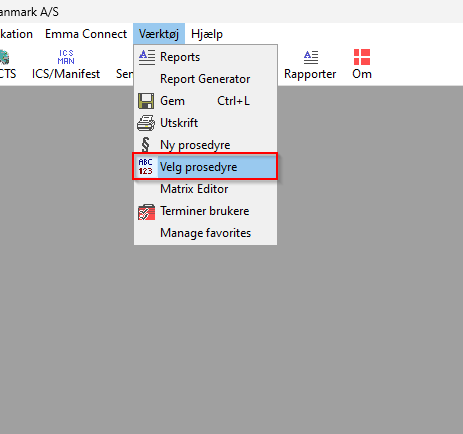
- Then select "velg prosedyre"
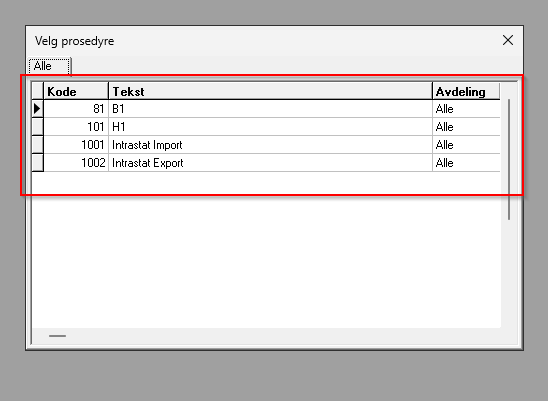
- Make sure you have selected the procedure you want to do changes on, double click on the procedure you want to work on
- Navigate to the field where you want to modify the enter stops.
- Press Ctrl + Alt + F2 on your keyboard
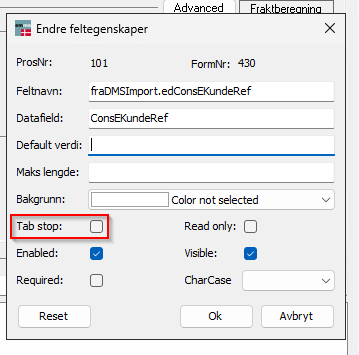
- Remove the checkmark from Tab Stop.
- Save your changes if required.
You will need to close down Emma CMS and open it again to be able to get latest saved changes.