.png?width=300&height=100&name=emma%20logo%20santa%20hat%20(4).png)
Make sure you are logged into Emma CMS.
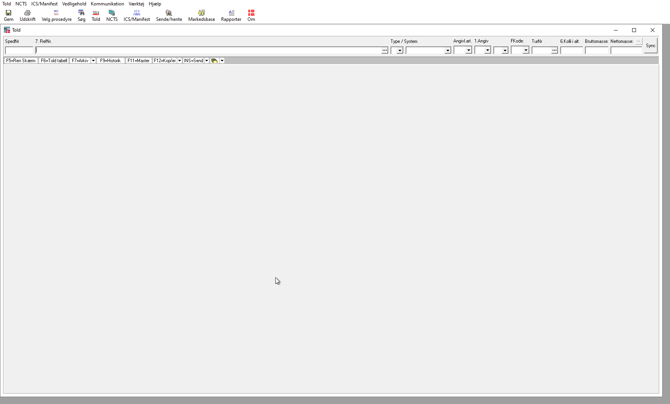
While inside the Azure session, press the following keys on your keyboard:
Ctrl + Alt + End
This opens the Windows Security menu in the remote session.
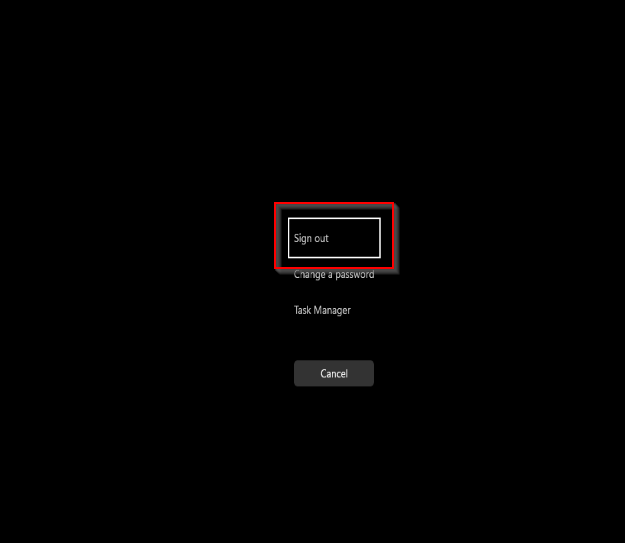
In the Windows Security menu:
-
Click Sign out
This will log you out of the Azure Windows session.
After signing out, you will return to the login screen.
You will now be logged back into your Azure session and can reopen Emma CMS.