.png?width=300&height=100&name=emma%20logo%20santa%20hat%20(4).png)
Creating a Template
-
Start by creating an Import or Export declaration in Emma CMS.
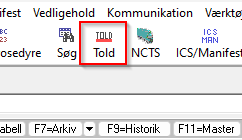
-
Fill in all the information that you want to be part of the template.
This should include all fields that are typically reused for similar declarations.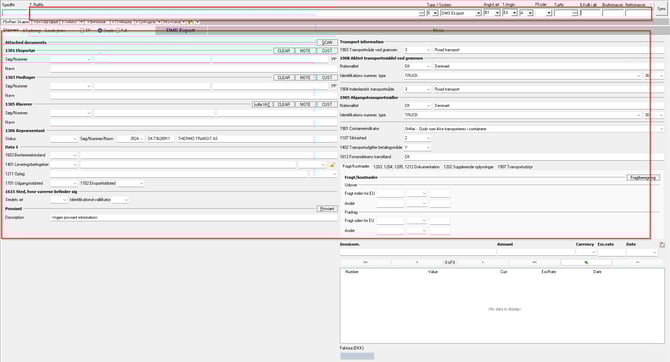
-
Once all relevant information has been added, then double click on the spednr to save the declaration as a template.
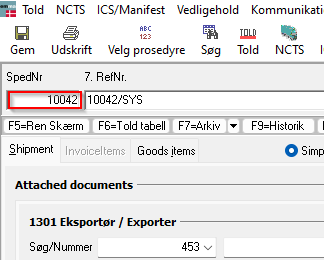
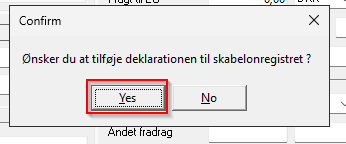
Then click Yes
4. In the F11 window, click with the left mouse button in the Description field.
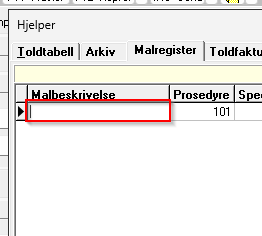
5. Enter a clear and recognizable name for the template, so it is easy to identify later.
6. Click on another field, then the name is saved.
You can easy delete a template if you go into F11 and then click on that template you want to delete with your left mouse button, and then press CTRL + delete on your keyboard and then click Yes