.png?width=300&height=100&name=emma%20logo%20santa%20hat%20(4).png)
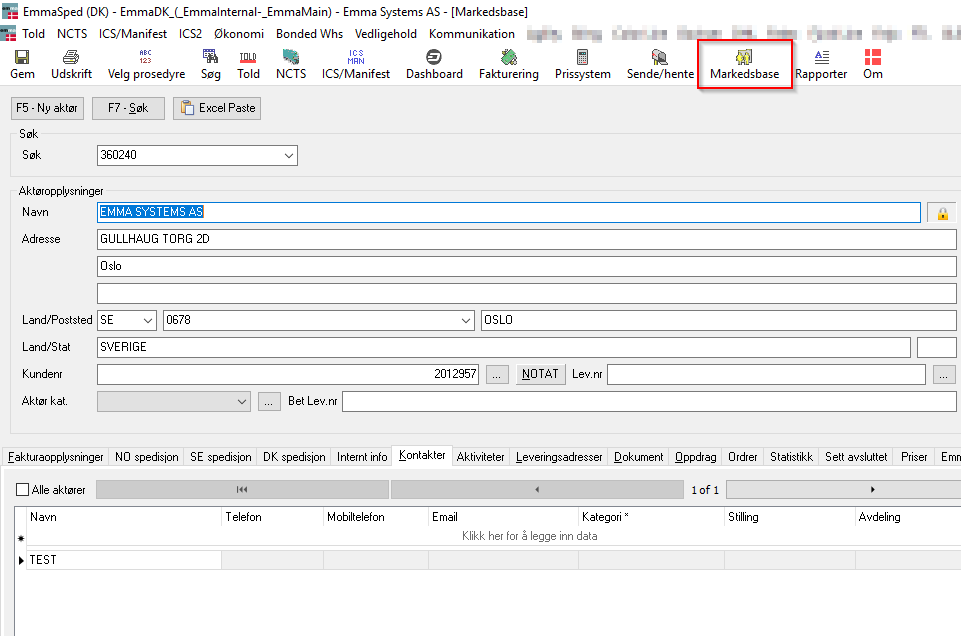
1. Open the Marketing Database
Navigate to the Marketing Database module.
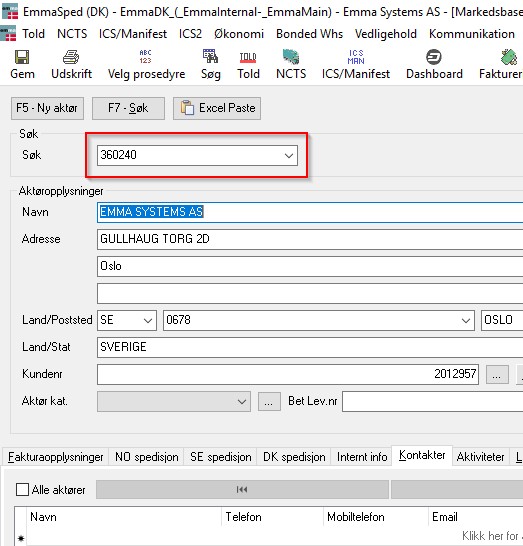
2. Search for the Customer
Use the search bar to find the customer you want to delete.
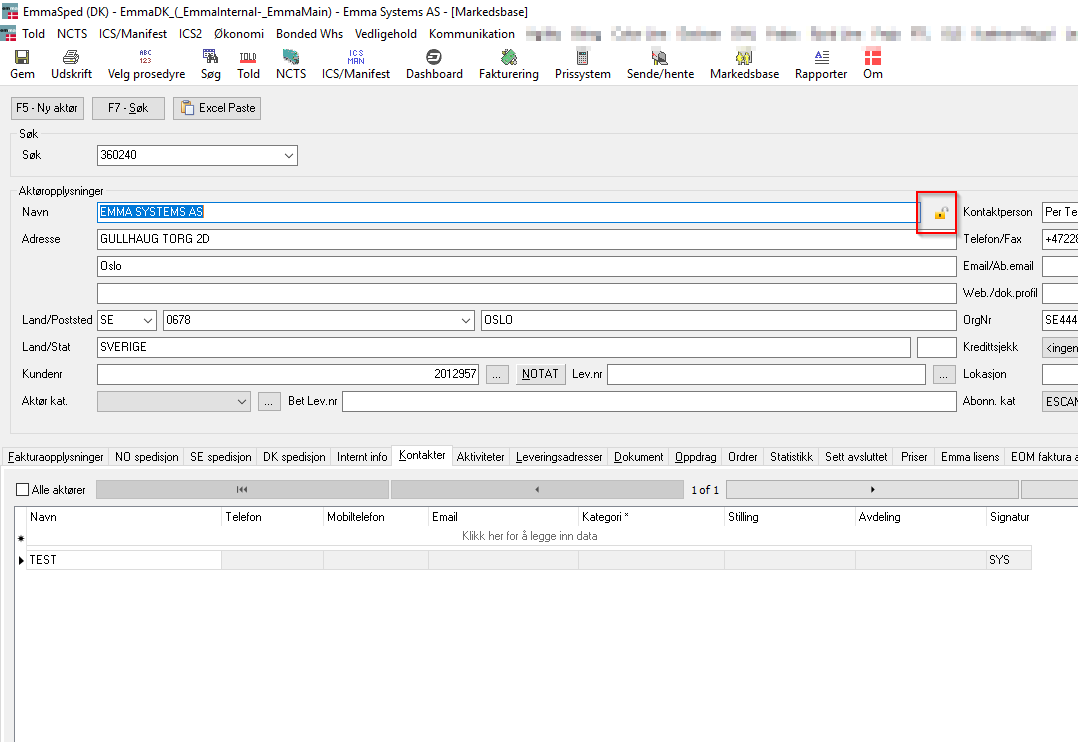
3. Unlock the Customer Record
Click the padlock icon to unlock the customer record.
This must be done before making any changes.
5. Press the Delete Key
Mark the customer number, make sure it is marked with BLUE. Once the customer number is selected, press the Delete key on your keyboard.
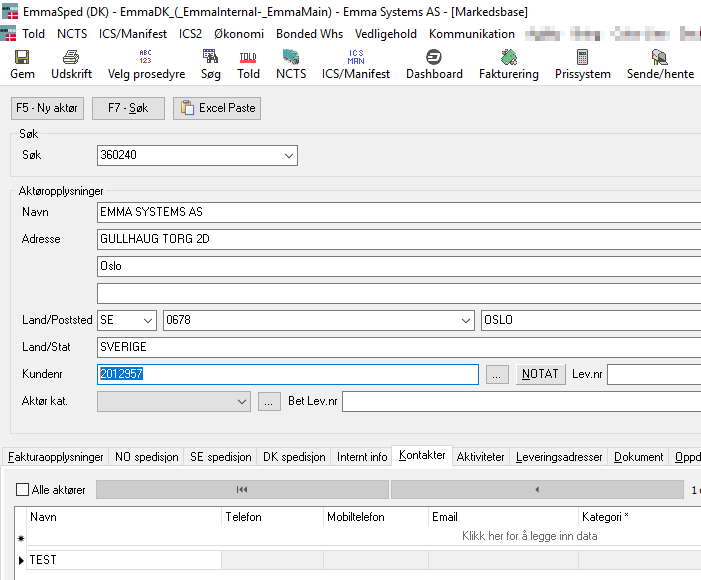
6. Confirm the Deletion
A confirmation window will appear.
-
Click Delete
-
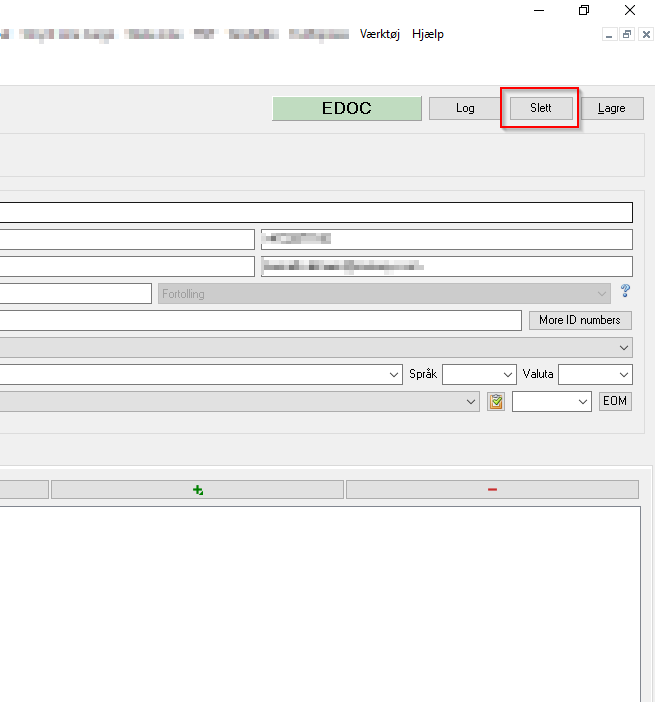
Then click OK to finalize