.png?width=300&height=100&name=emma%20logo%20santa%20hat%20(4).png)
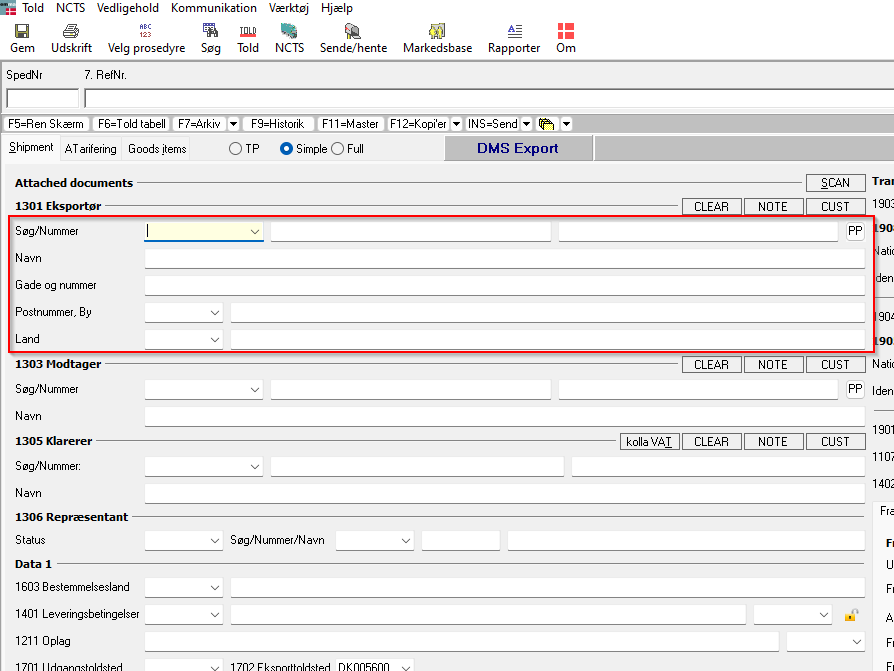
1. Add information on the customer
When you are doing a declaration for the customer, then add all the information you have on the customer here.
In the example we are doing it on Exporter, this can be done on Exporter, Importer and Declarent.
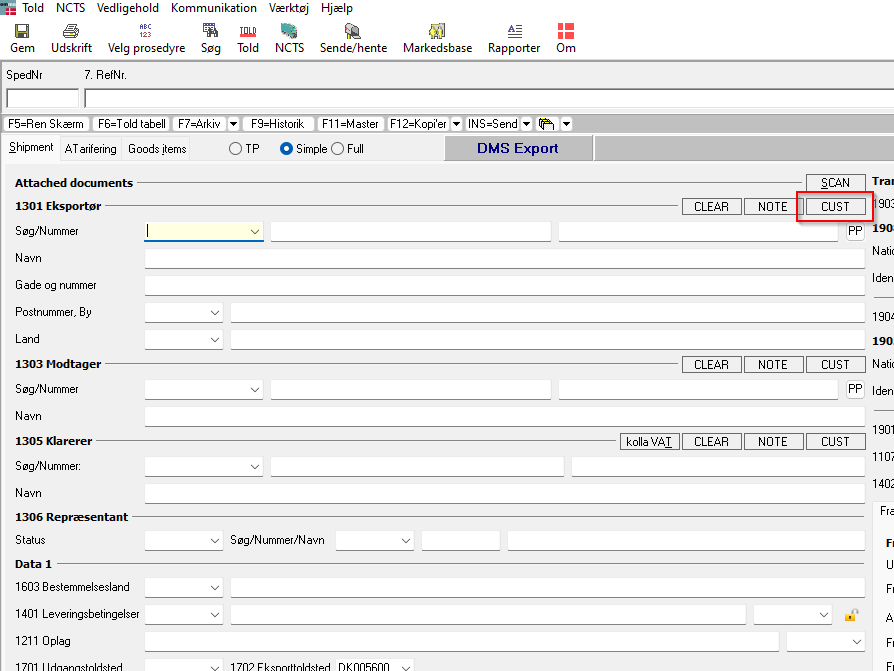
2. Save the Customer
Now click here
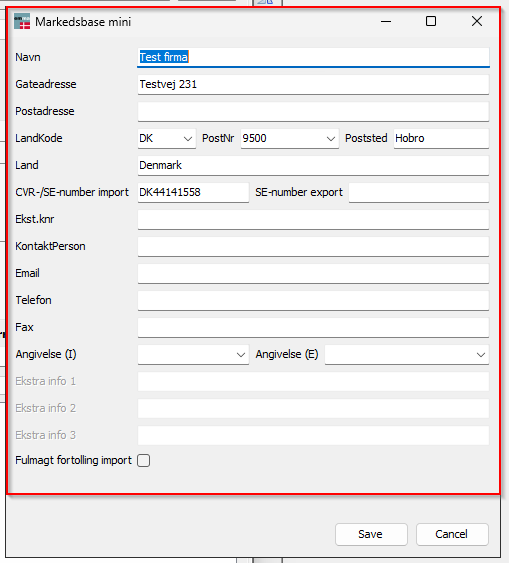
3. Markedsbase mini
Here you will have option to add in more information on the customer
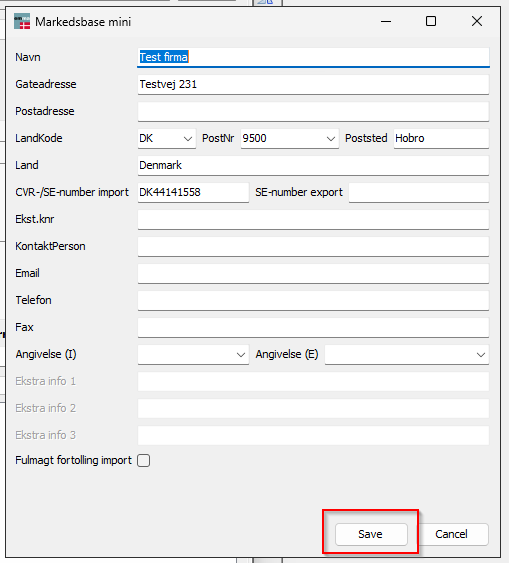
5. Save
The final step is to save the customer, just click on Save here
6. How to do changes
After you have saved it, you can always do changes directly in Markedsbasen, here you have all your customers.