.png?width=300&height=100&name=emma%20logo%20santa%20hat%20(4).png)
You can use default values and input types to make completing declarations more efficient.
Select the field you want to change or add a default value to.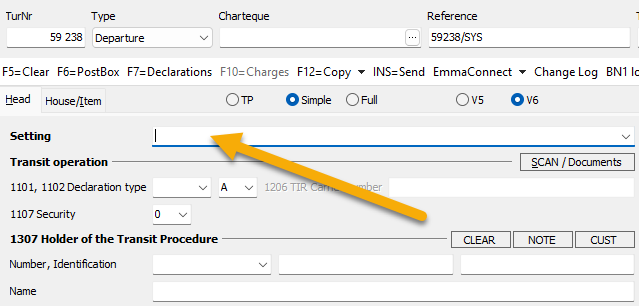
Press F9 to open Matrix Editor for the selected field.
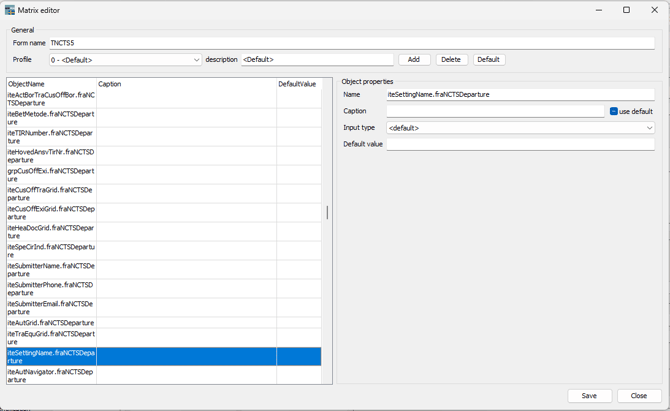
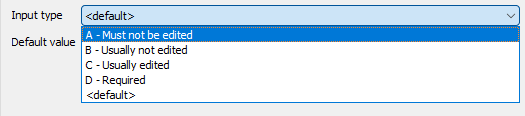
The Input type determines how the field behaves:
- A: Deactivated. The field cannot be completed or edited. The cursor skips the field when you press Enter.
- B: Skip field. The cursor skips the field when you press Enter, but the field can still be selected and completed manually.
- C: Active field. The cursor stops in the field when you press Enter. This is the default input type.
- D: Required field. The field must be completed.
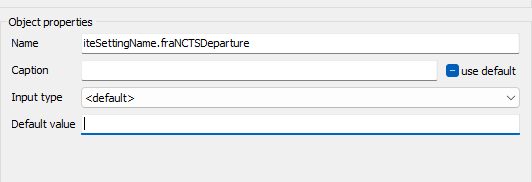
Only add a default value if you are certain that the same value should normally be used in the field.
A default value can be added to the default value field