.png?width=300&height=100&name=emma%20logo%20santa%20hat%20(4).png)
This feature is introduced in version 338.
You can create templates in NCTS, to make it more easy to create NCTS. You can then have saved as much data on the templates as you need.
To be able to create a template, you need to fill out all information you want to have added on the template.
Fill out Reference number with a description on the template, so you easy can find it afterwards in F8
You have the flexibility to start from scratch or use an existing complete NCTS, depending on your preference.
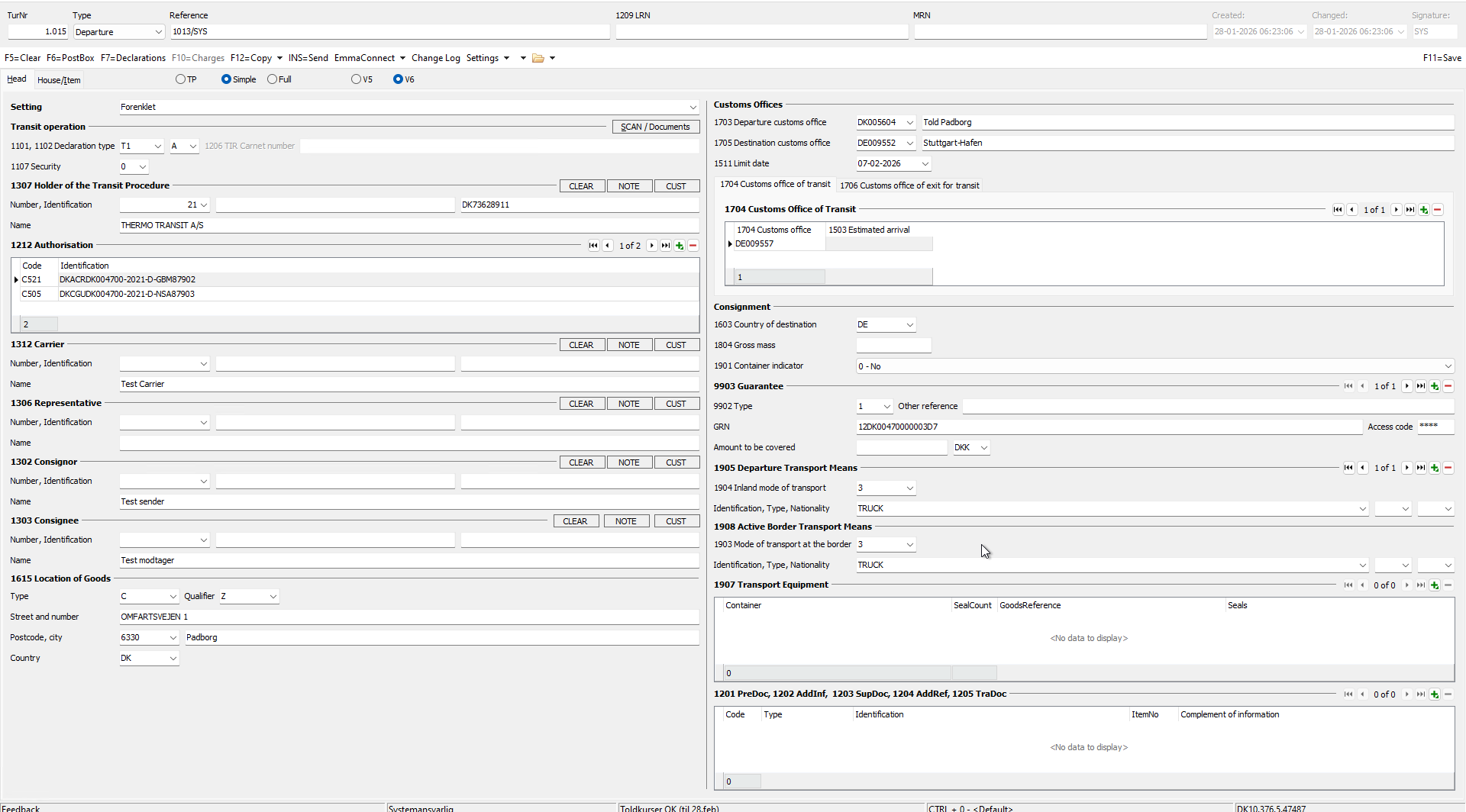
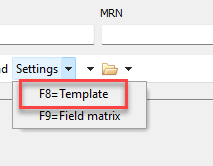
When you have filled out all information you want on the template, then click on F8 on your keyboard or by selecting the "F8=Template" option in the settings menu.
Now you can see the template in here
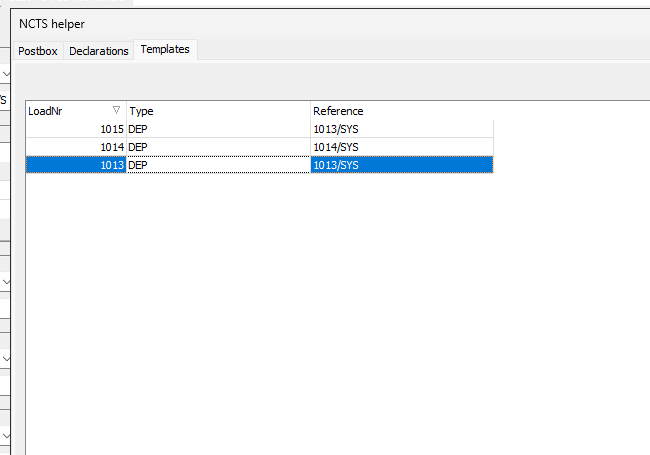
When you want to use a template, then also go to F8 and double click on the template you want to use.
Best practice is to create a copy of your NCTS and remove any associated house/MRN to ensure clarity and organization.
Please keep in mind that if you create a template based on a complete NCTS, the associated shipments will also be connected to the departure.
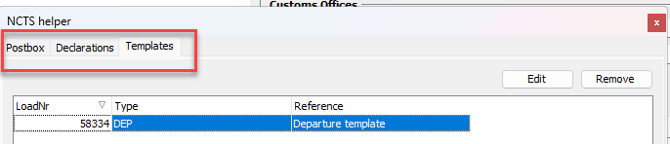
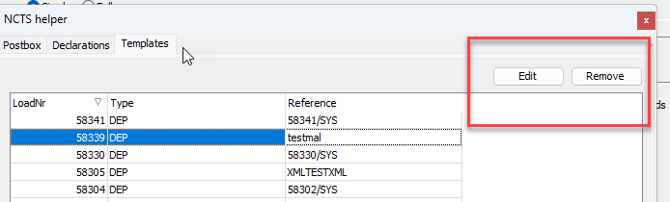
To edit or remove a template from the list, simply mark the desired template and click the "Edit/Remove" button located in the top right corner. Please note that only users with boss privileges are authorized to edit or remove templates.