.png?width=300&height=100&name=emma%20logo%20santa%20hat%20(4).png)
Before you start: Check your access
To make changes in the Customer Database, you need the appropriate permissions. If you don’t have access, ask a Boss user to grant it before you continue.
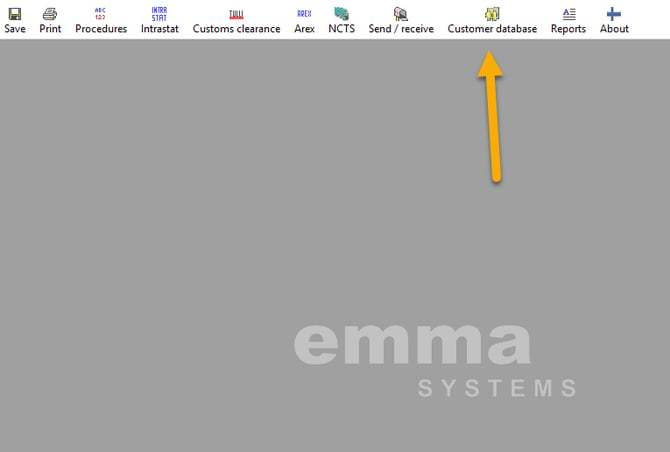 You find customer database in the top menu.
Customer database: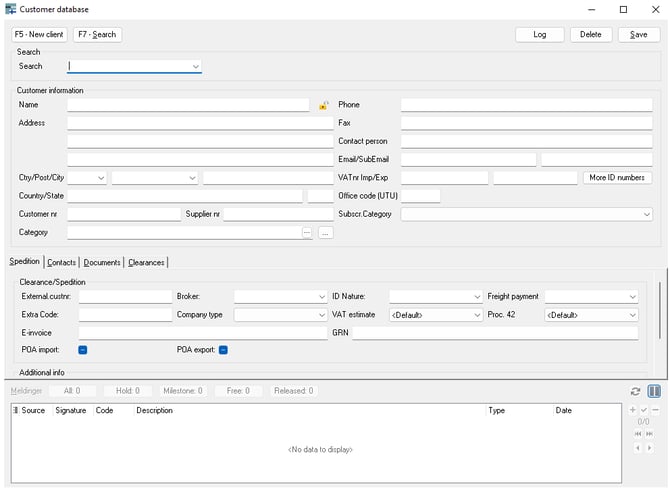
Changes are permanent
Any changes you make to a customer in the Customer Database are permanent, including deleting a customer. Make sure you are certain about the change before proceeding.
To make changes to a customer in the Customer Database, you first need to unlock it by clicking the lock icon: 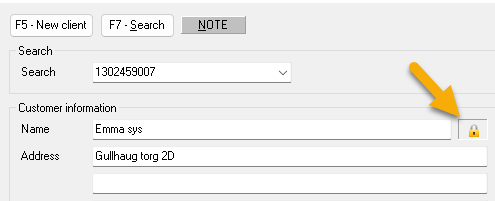
It's always locked by default.
Now you're able to do changes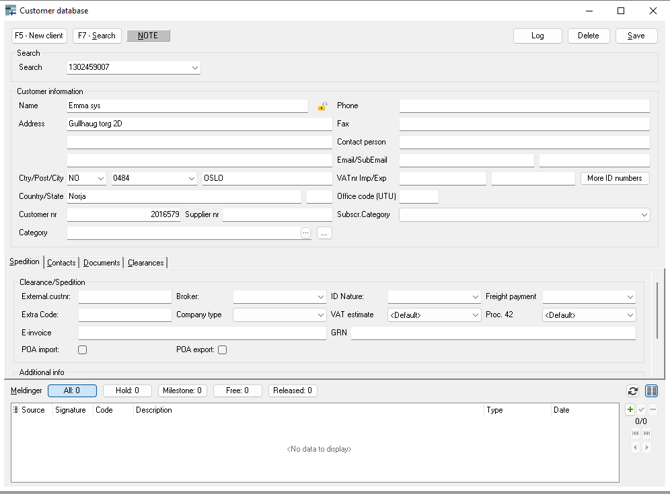
After a change, always remember to press Save.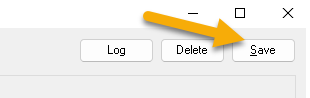
Useful links: